You already know how to write a procedure and hand it to a model. What's new here is that the run doesn't live on your laptop: it happens in the cloud, against your team's real accounts, on a trigger, in front of your teammates.
So skip the tour. Almost everything you've already built has a home here — it just has a different name.
| What you have now | What it becomes in Okou |
|---|---|
CLAUDE.md / AGENTS.md | Personal Instructions in My Okou; the selected Agent's Instructions in Legacy Agents |
A skill / SKILL.md | A Workflow for the reusable method |
| An MCP server you run | A custom connector, where your workspace has MCP enabled |
| API keys and env vars in your shell | Connectors — the secret stays off the model |
cron plus a script on your laptop | An automation on the workflow |
| More terminal tabs | More concurrent runs, bought per workspace |
| Your Claude or Codex subscription | Still yours — connect it under Settings → Models |
Start by removing the two things that would otherwise make you pay for inference twice and rewrite what you already have.
Which experience are you using?
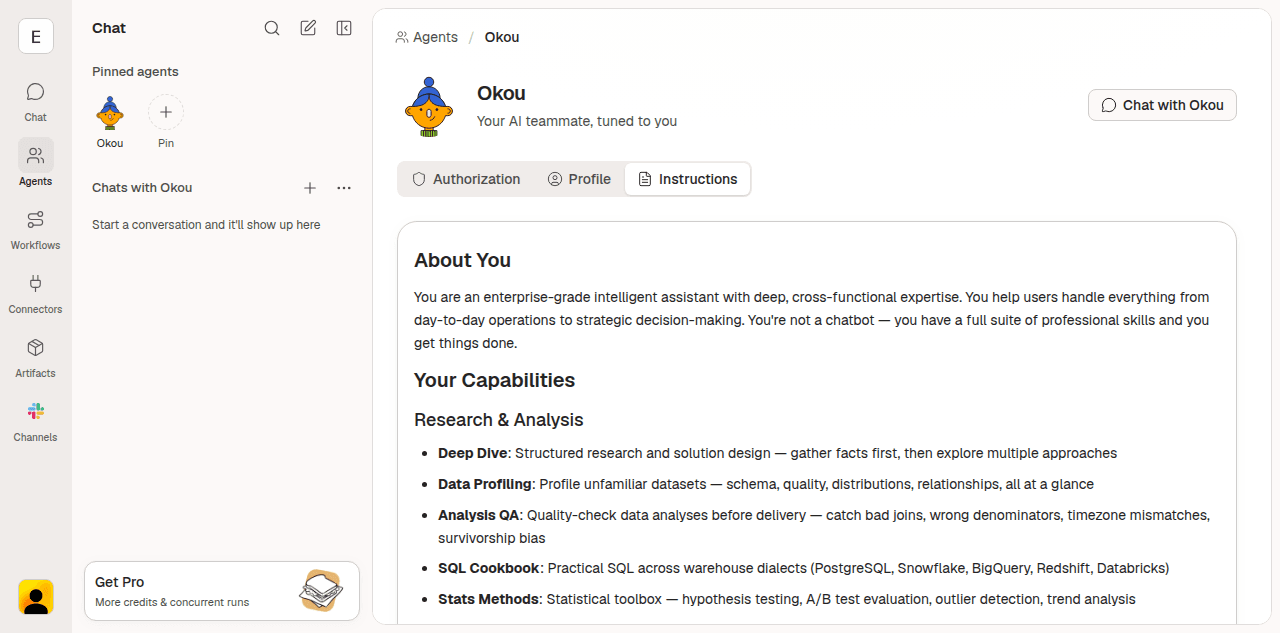
These docs cover both experiences. If Settings → Personal → My Okou is available, follow the My Okou steps. If you use an Agents page with New agent, follow the Legacy Agents steps. Availability can differ between members; these docs do not change your experience.
In either experience, you can run several chats or tasks at once, reuse workflows, and share reviewed work with your team. A runtime subagent is an execution tool, not a separate product profile you need to create.
1. Run on the subscription you already pay for
Okou can route model calls through your own Claude or Codex account on Free and paid plans, if your provider account supports it.
There are two halves to this, and different people do them.
An admin picks the route
Under Settings → Models, a workspace admin decides how each model is served. Two of the options are:
- Claude subscription — each member connects their own Pro, Max, or Team plan.
- Codex subscription — each member connects their own Pro or Team plan.
Policy decides the route, not the model picker — so if a model isn't set to one of these, your personal connection won't be the one serving it.
You connect your own account
Under Settings → Models, in the Personal section — used only in your runs, with your own credentials:
- Claude Code OAuth — connect with Claude Code login for Claude-backed model routes. Okou opens a Claude approval page; approve Okou there, copy the authorization code it shows you, and paste it back into the dialog.
- ChatGPT (Codex) — connect with Codex device login. Okou copies a device code and opens the approval page; paste the code into OpenAI, approve access, and leave the dialog open while Okou finishes the connection.
You can connect more than one account per provider and mark one active. Once connected, your account menu shows how much of each subscription window is left — the 5-hour window and the weekly one — so you can see a limit coming before a long run walks into it.
Three things to know before you start:
- You can bring your own provider on Free and paid plans; your provider account must support the selected route.
- A free ChatGPT plan cannot use Codex through Okou. Plus or Pro is required.
- Whichever route a model takes, tool calls, generation, and storage still bill against Okou credits. The subscription covers the thinking, not the doing.
The model picker beside the chat composer chooses a model; it does not override the route that policy has assigned to that model. The model also lives on the chat thread, not on the agent and not on the workflow — see Models.
2. Bring your skills across as workflows
What you call a skill, Okou calls a workflow: a named procedure with a description that says when it applies, an instruction that says how to do the work, and optional files bundled alongside. A SKILL.md you already wrote is, nearly line for line, a workflow instruction.
The fastest way to move one is to hand it over in chat. You don't have to rewrite it, and you don't have to run anything:
- Drop the file in. Drag your
SKILL.mdstraight into the chat — along with any checklists, templates or reference files that sat next to it. - Or give Okou the link. Paste the GitHub URL of the skill folder and let Okou read the whole thing itself.
Then say what you want done with it:
"Here's the skill I use in Claude Code. Create a private Workflow from it in this workspace. Keep the procedure, but replace the local file paths and shell steps with connectors, and tell me what it can't reach yet."

Okou reads the file, drafts the name, description and instruction, and shows you the result before saving.
Four differences worth fixing while you port
- My Okou Workflows live in the workspace. Private Workflows belong to you; Public Workflows are shared within the workspace. Legacy Workflows remain attached to one Agent. Execution uses your own connected accounts and permissions; a local shell's access does not carry over. Check the actual connection and named permissions when a tool is unavailable.
- The name is a lowercase slug —
triage-bug-report, 2 to 64 characters. Invoke it explicitly with/triage-bug-reportin a Chat where the Workflow is available, or just describe the work and let Okou match on the description. A precise description is what makes a workflow fire on its own. - New workflows are private by default. Making one public to the workspace is a deliberate step, not a side effect of saving. In My Okou, your same-name Private Workflow takes precedence over the Public version. In Legacy Agents, also check the owning Agent's visibility.
- Credentials don't travel. Anything that was an environment variable or a key in a local skill becomes a connector instead, so the secret stays on the platform and out of the model's reach. If no first-party connector fits, build a custom connector rather than pasting a key into an instruction.
One thing that does carry over unchanged: supplementary files. Templates, checklists, brand guidelines, and reference data attach to the workflow the same way they sat next to your SKILL.md.
Separate personal Instructions from task methods
Skills become Workflows. With My Okou, your personal preferences belong in Settings → Personal → My Okou → Instructions and apply only to you in this workspace. Reusable team rules and task methods belong in workspace Workflows. Saving personal Instructions affects the next work Okou starts, not work already in progress. With Legacy Agents, edit the selected Agent's Instructions instead.
Legacy Agents only:

4. Share it, instead of keeping it in a dotfile
The real difference from a local setup is that other people can use what you built — including people who will never open a terminal.
- My Okou: share a reviewed Public Workflow. Legacy Agents: also make its owning Agent Public.
- Strip credentials and one-off data out of the instruction and files before you do.
- Invite teammates from Settings → People → Add member, with Member as the default role. See Invite teammates.
- Each member connects their own accounts and their own Claude or Codex subscription. Nobody shares a login.
Steps 3 to 6 of For new users cover personal Instructions (or legacy Agent setup), sharing a Workflow, and scheduling it in more detail. The mechanics are the same; only the starting point was different.
Where to go next
- Models — routing, your own subscription, and what each model costs you.
- Workflows — anatomy, ownership, visibility, and how Okou picks one.
- Automations — schedules, email, GitHub, calendar, and webhook triggers.
- Permissions — what an agent is allowed to touch, and how to narrow it.
- Custom connectors — for the internal API that has no first-party connector.